×

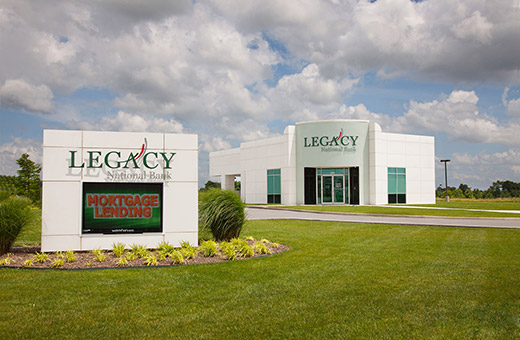
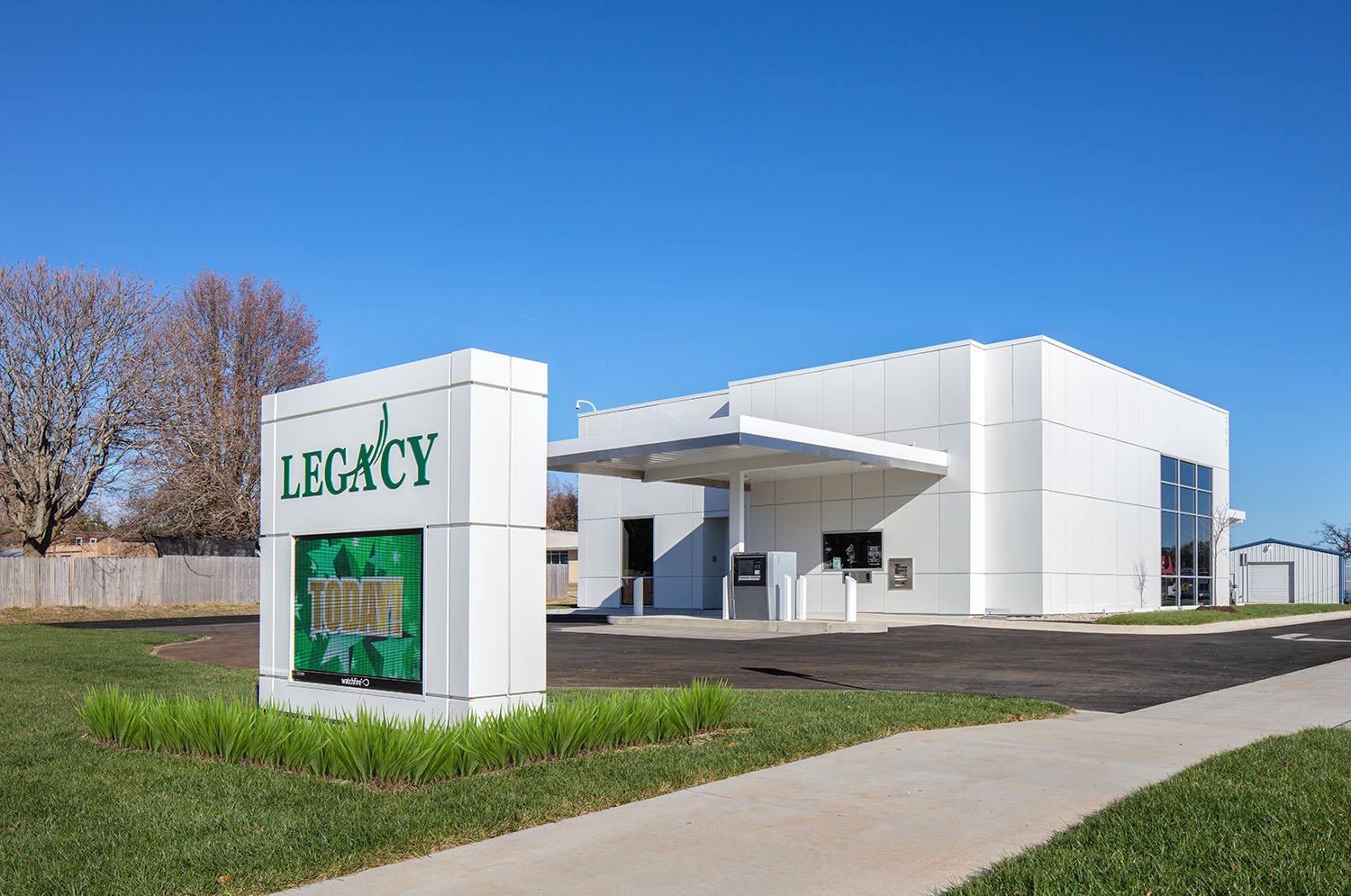

4055 W. Sunset
Springdale, AR 72762
479-717-1900
MAILING ADDRESS
P. O. Box 6490
Springdale, AR 72766
LOBBY HOURS
Monday thru Friday 8:00am - 5:00pm
DRIVE THRU
Monday thru Friday: 7:30am - 6:00pm
Saturday: 9:00am - 12:00pm
ITM HOURS
Monday thru Friday: 7:00am - 7:00pm
Saturday: 9:00am - 12:00pm
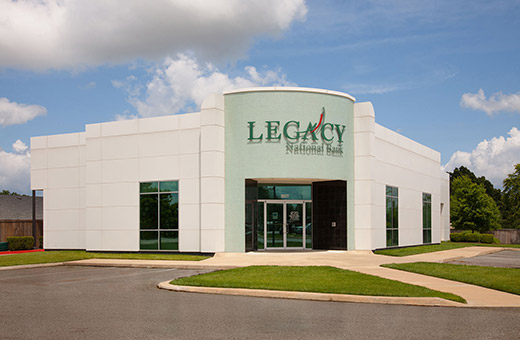
2081 Butterfield Coach Rd.
Springdale, AR 72764
479-717-1992
MAILING ADDRESS
P. O. Box 6490
Springdale, AR 72766
LOBBY HOURS
Monday thru Friday 8:00am - 5:00pm
DRIVE THRU
Monday thru Friday 8:00am - 5:00pm
ITM HOURS
Monday thru Friday 7:00am - 7:00pm
Saturday 9:00am - 12:00pm
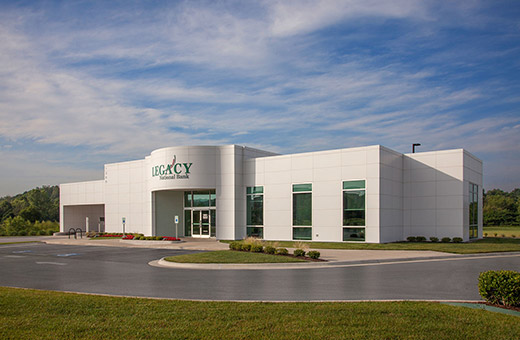
3607 S. Thompson
Springdale, AR 72764
479-717-1991
MAILING ADDRESS
P. O. Box 6490
Springdale, AR 72766
LOBBY HOURS
Monday thru Friday 8:00am - 5:00pm
DRIVE THRU
Monday thru Friday 8:00am - 5:00pm
ITM HOURS
Monday thru Friday 7:00am - 7:00pm
Saturday 9:00am - 12:00pm
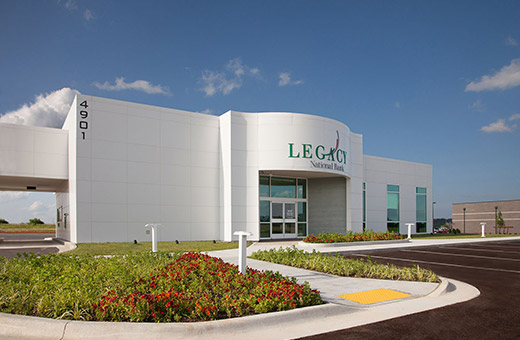
4901 W. Pauline Whitaker Parkway
Rogers, AR 72758
479-286-2100
MAILING ADDRESS
P. O. Box 6490
Springdale, AR 72766
LOBBY HOURS
Monday thru Friday: 8:00am - 5:00pm
DRIVE THRU
Monday thru Friday: 8:00am - 5:00pm
Saturday: 9:00am - 12:00pm
ITM HOURS
Monday thru Friday 7:00am - 7:00pm
Saturday 9:00am - 12:00pm
1325 E. Joyce Blvd
Fayetteville, AR 72703
479-717-1990
MAILING ADDRESS
P. O. Box 6490
Springdale, AR 72766
LOBBY HOURS
Monday thru Friday: 8:00am - 5:00pm
DRIVE THRU
Monday thru Friday: 8:00am - 5:00pm
ITM HOURS
Monday thru Friday 7:00am - 7:00pm
Saturday 9:00am - 12:00pm
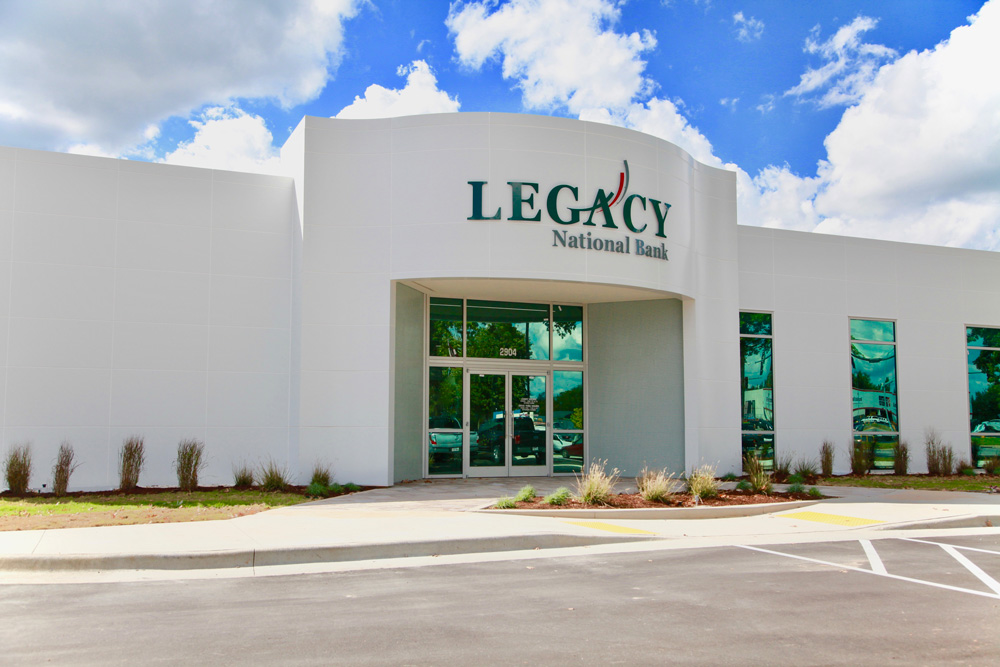
2904 South Walton Blvd. Bentonville, AR 72712
479-876-8293
MAILING ADDRESS
P. O. Box 6490
Springdale, AR 72766
LOBBY HOURS
Monday thru Friday: 8:00am - 5:00pm
DRIVE THRU
Monday thru Friday: 8:00am - 5:00pm
ITM HOURS
Monday thru Friday 7:00am - 7:00pm
Saturday 9:00am - 12:00pm
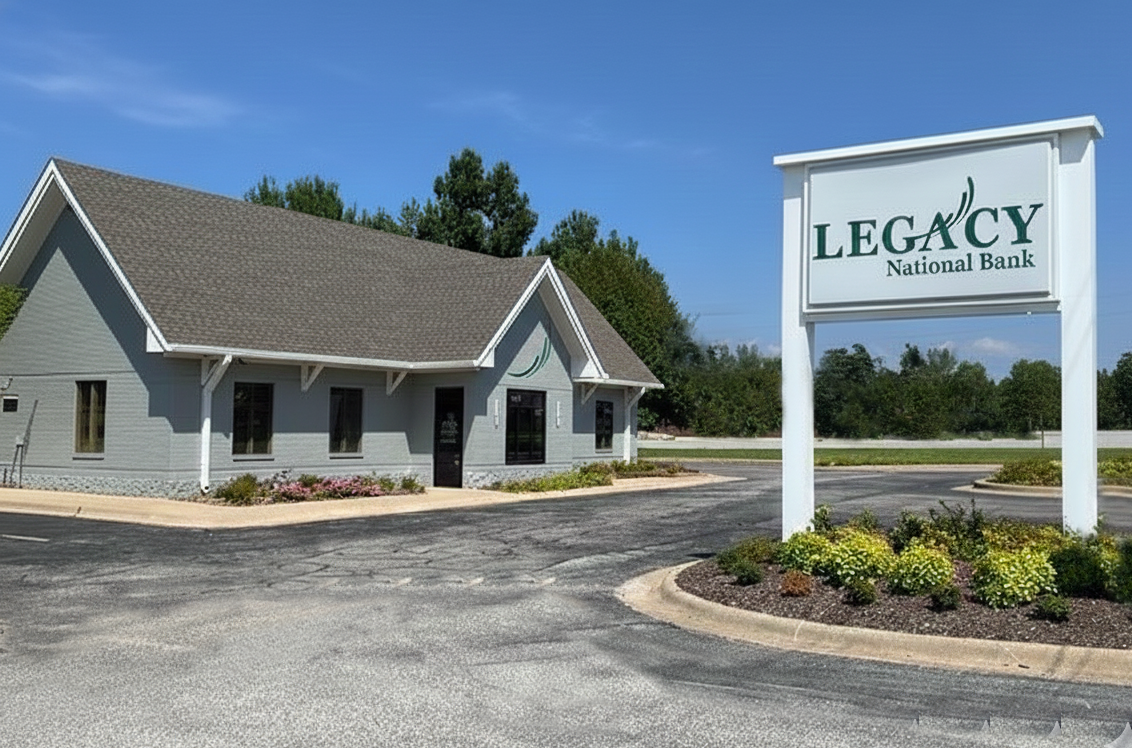
211 Main St SE Gravette, AR 72736
479-787-5251
MAILING ADDRESS
PO Box 6490 Springdale, AR 72766
LOBBY HOURS
Monday thru Friday: 8:00am - 5:00pm
DRIVE THRU
Monday thru Friday:
8:00am - 5:00pm
Saturday: 9:00am - 12:00pm
ITM HOURS
Monday thru Friday: 7:00am - 7:00pm
Saturday: 9:00am - 12:00pm
13540 W Hwy 72 Hiwasse, AR 72739
479-787-7779
MAILING ADDRESS
PO Box 6490 Springdale, AR 72766
LOBBY HOURS
Monday thru Friday: 8:00am - 5:00pm
DRIVE THRU
Monday thru Friday: 8:00am - 5:00pm
ITM HOURS
Monday thru Friday: 7:00am - 7:00pm
Saturday: 9:00am - 12:00pm
205 W. Pridemore Drive
Lincoln, AR 72744
479-439-4246
MAILING ADDRESS
P. O. Box 6490
Springdale, AR 72766
LOBBY HOURS
Monday thru Friday 8:00am - 5:00pm
DRIVE THRU
Monday thru Friday 8:00am - 5:00pm
ITM HOURS
Monday thru Friday 7:00am - 7:00pm
Saturday 9:00am - 12:00pm
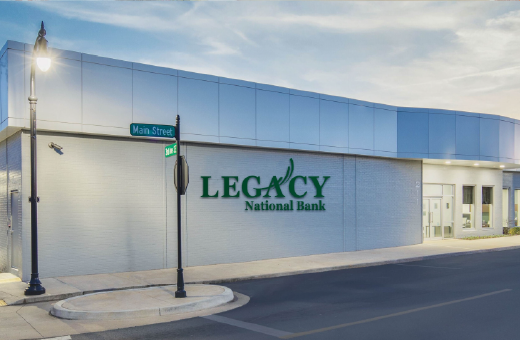
107 NW 2nd Street,
Bentonville, AR 72712
479-334-2068
MAILING ADDRESS
P. O. Box 6490
Springdale, AR 72766
LOBBY HOURS
Monday thru Friday 8am-5pm
ITM HOURS
Monday thru Friday 7am-7pm
Q2 Advisory Services
Digital Banking Conversion – Comprehensive FAQ (Retail & Commercial)
1. General Conversion Information
- What is the new Digital Banking Platform?
- LegacyNOW is the replacement of our existing Online Banking Platform. It is a faster, easier, more secure way of banking online.
- Why is my financial institution upgrading?
- To keep our promise of providing you with the most up to date technology available. It was time to do so.
- When will the new system go live?
- Our current platform will go into a read only status on February 20, 2026 and the new platform will go live on February 23, 2026.
- Will my login credentials remain the same after conversion?
- Your username and password will move over to the new platform. You will be required to reset your password and verify yourself through a secure access code sent to you by text or phone call to be able to login.
- Will there be downtime during the conversion?
- There will be a period of read only access over the weekend before conversion. Friday February 20th through Sunday February 22nd, you will not be able to make any transfers, bill payments, ACH or wire transactions, or any maintenance transactions.
- How will I know when to log in to the new platform?
- You will be able to login on Monday, February 23rd morning, using your existing username and password.
- What devices can I use to access online banking?
- With LegacyNOW, you will be able to use any current device that meets our minimum requirements for security. Phone, tablet, PC, MAC. (We can attach that list of devices for phone and tablets)
- Will my account information and transaction history carry over?
- We will carry over at least two (2) years of history into the new platform.
- Do I need to download a new mobile app?
- Yes, you will be required to download a new mobile app. Simply click one of the links below to take you to your Apple or Google store. (Insert links)
- What web browsers will be supported? Most web browsers will be supported.
2. Security & Login
- What is a Secure Access Code (SAC)?
- The is a secure way of verifying you are the person trying to transact in your online environment. You will receive text messages with verification codes for login, account maintenance, and certain elevated transactions
- How do I register my computer or device?
- When you receive your SAC, you will have the option to register the device or computer after successfully verifying your access.
- Will I need to register my device every time I log in?
- Once you register your device, you will not need to register your device unless you clear your history or browser data.
- Can I remove or reset a registered device?
- Yes, you will be able to control your devices with LegacyNOW
- What should I do if I forgot my password?
- You will have the option to reset your password on the login page. Simply click forgot password and follow the guide to get you fixed up.
- How do I change my password?
- From within LegacyNOW, you will have the option to update your password, SAC, or User ID
- What are the password requirements?
- Character length: 10 to 50
- lower case
- upper case
- number
- special character
- Last passwords to remember: 10
- Number of hours before new passwords expire: 8
- Number of days before passwords can be changed: 0
- Password expiration: Never expires
- How do I unlock my account if I’m locked out?
- You will have the option to Unlock your account at your login page. Simply click Unlock Account and follow the guide to get you fixed up.
- Can the bank reset my password for me?
- Yes we can! Simply call the bank or stop by one of our branches and we will get you fixed up.
- How can I make my online banking experience more secure?
- We have employed a lot of technology behind the scenes to make sure you are secure.
- Use strong passwords that are not shared with other systems or sites.
- Use our SAC to know when your accounts are being accessed.
- Change your password regularly.
- Log off after you have completed your session.
- Keep your devices up to date with the most recent versions of software.
3. Online & Mobile Banking Features
- Can I customize my account names or dashboard?
- You will be able to favorite up to 10 accounts that show on the Home page. You will be able to set the order in which they are displayed.
- Will I still have access to eStatements and check images?
- Yes! You will have access to 18 months of statements, notices, and tax forms.
- How do I view my recent transactions or account balances? Account balances should be posted alongside the account in the list on the Home page. Select the desired account from the list on the Home page to view transaction details.
- How do I search for transactions within online banking? Select the desired account from the list on the Home page to view transaction details. A search bar is available at the top of this transaction activity screen.
- Can I download my account history into Excel or Quicken?
- Yes!
- How do I enable text or email alerts for my accounts?
- Yes! You can have text, email or push notification alerts.
- What types of alerts can I set up?
- You will have Security Alerts and Transactional Alerts available to choose from.
- Can I schedule or stop alerts from being delivered?
- You can update/stop most alert types. Some are defaulted on for your security.
- How long will I stay logged in before being timed out?
- You will be logged out after 10 minutes of inactivity or every 10 hours of active work.
4. Transfers & Payments
- How do I transfer funds between my own accounts? click on Transfers & Payments to see the option to “Transfer Money”
- How do I make an external transfer to another bank? This feature is not available currently.
- How do I add an external account for transfers? This feature is not available currently.
- Can I transfer funds to another customer at the same bank?
- Yes! You can send money to another Legacy National Bank customer. You will need to know their account number and other identifying information. This feature will be available in the near future for most consumers.
- How do I make a one-time or recurring transfer? click on Transfers & Payments to see the option to “Transfer Money” and select the frequency for the transfer.
- How do I cancel or edit a scheduled transfer? In the Transfers & Payments area there will be a button called “Online Activity”. This is a list of current, future and past transactions. Select the current or future transaction that you wish to cancel.
- How do I make a loan payment online? Select the Loan Payment tile from the Transfers & Payments menu.
- Can I make person-to-person (P2P) payments?
- We will continue to offer Zelle®
- How do I set up Bill Pay in Q2? Look for the bill payment tile from the Transfers & Payments area.
- Will my existing Bill Pay payees and scheduled payments carry over? Yes, the same bill payment provider is servicing your bill payments and has transferred the information for you.
5. Business & Treasury Management
- How do I initiate a wire or ACH payment in Q2? Under the Business Banking area you will create a Wire or ACH in the “Payments” tile.
- Will my existing ACH or wire templates transfer to the new system? Yes
- Can I approve ACH or Wire payments from my mobile device? Yes
- How do I manage user entitlements for my business accounts? This feature may be available soon for select Commercial groups.
- What are dual control approvals, and how do they work? Specified transactions take 2 users to complete. For example, user 1 will enter a wire transaction and user 2 will need to approve this transaction before the wire can be completed.
- How do I upload a NACHA or CSV file for ACH payments? This feature is available to select Commercial modules. The Treasury team can contact you if you are interested.
- Can I use subsidiaries or multiple tax IDs for payments?
- Yes
- How do I generate financial or cash management reports? This feature is available to select Commercial modules. The Treasury team can contact you if you are interested.
- Can I limit employee access to specific accounts or reports?
- Yes
- What should I do if a business payment fails or is rejected? Call your support team 479-787-5638 or your direct bank contact.
You are about to visit a third-party site not operated by Legacy Bank,
a FDIC-insured institution.
Legacy Bank’s privacy policy and security practices do not apply to the site you are about to enter, please review the third-party's privacy and security practices.